A GST tax invoice needs to identify the supplier, recipient where applicable, supply and tax charged. Its usefulness comes from correct particulars and a traceable calculation, not from a particular border, colour or logo. An editable template cannot decide registration, classification or tax liability.
Core particulars under Rule 46
The table summarises core particulars of an ordinary tax invoice under the CGST Rules, 2017. It is not an exhaustive current compliance checklist. Special supplies, notified exceptions, electronic invoicing and later amendments can add or modify requirements; check the provisions applicable on the actual issue date.
| Particular | What to check | Condition or distinction |
|---|---|---|
| Supplier identity | Name, address and GSTIN | Use the registered supplier’s details, not the platform’s name. |
| Invoice reference and date | Consecutive serial number, unique for the financial year, and issue date | Rule 46 limits the serial number to sixteen characters; permitted characters include letters, numerals, hyphen and slash. |
| Recipient | Name, address and GSTIN/UIN if registered | Unregistered-recipient particulars depend on the applicable circumstances; do not assume they are always optional. |
| Items | Description, relevant HSN/SAC and quantity with unit for goods | Required code digits depend on the applicable notifications. A product name alone does not establish classification. |
| Values | Total supply value and taxable value after applicable discount or abatement | Explain adjustments so the tax base can be reproduced. |
| Tax | Applicable rates and amounts under the relevant tax heads | Do not show one combined figure when separate components are required. |
| Place and delivery | Place of supply with state for inter-State supplies; delivery address where different | Place of supply is a legal determination, not automatically the billing address. |
| Other applicable particulars | Reverse-charge indication and signature/digital-signature requirements | Check applicable exceptions and electronic-invoice requirements. |
Keep design choices separate
A logo, accent colour, payment QR, customer phone number or preferred paper size may help the business use the document, but those design choices do not replace the invoice particulars. Conversely, a plain invoice can still contain the required information.
A GSTIN-shaped value generated in an editor is not proof of registration. A barcode or QR drawn in a template is not an invoice registration number or government validation. If your supply requires an authorised electronic-invoice process, this local editor does not perform it.
Worked arithmetic: exclusive and inclusive prices
Assume a taxable value of ₹1,000 and a total tax rate of 18% solely for this example. For a transaction correctly determined to use CGST and SGST, ₹90 + ₹90 gives ₹180 tax and a ₹1,180 total. For a transaction correctly determined to use IGST, ₹180 IGST gives the same total. You do not charge both sets together.
If ₹1,180 is already tax-inclusive, the taxable amount is ₹1,180 ÷ 1.18 = ₹1,000 and the tax is ₹180. Adding another 18% to ₹1,180 would double-count tax. Confirm which basis the selected layout uses before entering prices.
This example does not establish the rate for any named product. Verify classification, exemptions, valuation and the relevant tax period before using a rate in an actual invoice.
Review before sharing
- Compare the supplier and customer details with the source records.
- Check invoice numbering and the actual supply date.
- Recalculate quantities, unit prices and adjustments.
- Confirm place of supply and the displayed tax heads.
- Reconcile tax components to the invoice total and distinguish payment received from amount billed.
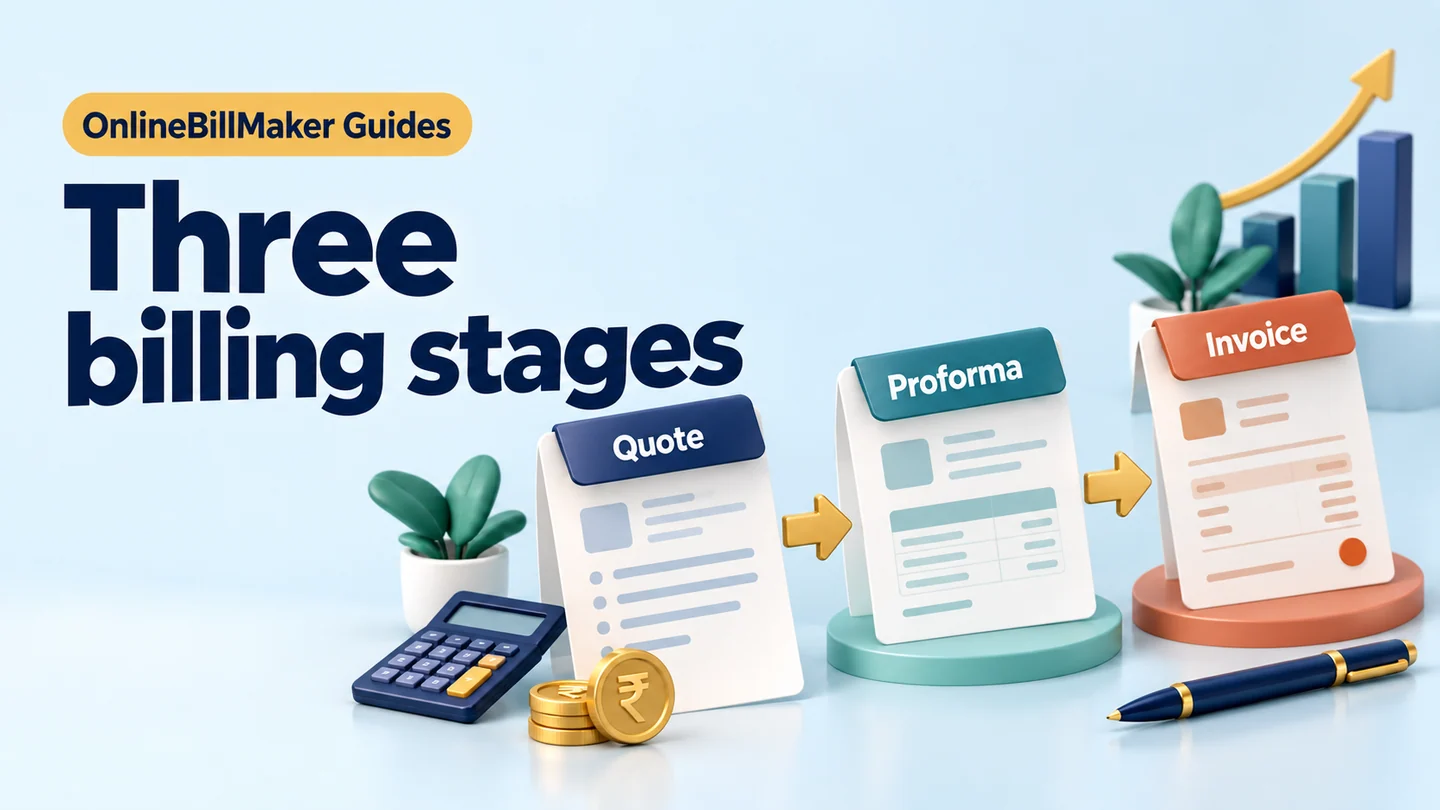
Use the GST invoice editor with its field-by-field tutorial. For an online order, see the e-commerce example. For a preliminary document, compare quotation, proforma and tax invoice.
Step-by-step workflow
1. Confirm the transaction and supplier
Identify what was supplied, the supplier’s registration context and the customer receiving the supply. Use the correct document type before filling a template. A preliminary offer, payment acknowledgement and tax invoice serve different purposes even when they show similar parties and amounts.
2. Prepare the invoice particulars
Gather the numbering reference, dates, addresses, registration details and required item information from the business records. Check applicable requirements for this transaction rather than assuming that a logo or familiar format makes an invoice complete. Resolve missing particulars before issuing it.
3. Work through values and tax heads
For each item, reconcile quantity, rate, supported discounts and taxable value. Confirm classification, place of supply and applicable tax treatment, then check the displayed CGST/SGST or IGST amounts. Do not use both sets simply because the editor provides fields for them.
4. Review, issue and retain the records
Compare the preview with the approved supply record and recompute the total. Complete any separately applicable official process, including e-invoicing where required. Retain the issued invoice, supporting transaction records and later payment evidence so accounts can reconcile the bill with settlement.
Resolve common invoice discrepancies at their source
A mismatch can start before tax is calculated. For example, a price copied from a tax-inclusive retail bill is not the same as an exclusive unit rate. Establish the price basis first, then calculate taxable value and tax consistently. Rounding a final figure until it resembles the expected total hides the reason for the difference.
Keep invoice value and payment status separate. A customer may settle by more than one transfer, pay an advance or leave a balance. Those payment events need supporting references; an invoice labelled UPI does not establish that the full value was received. The accounts record should explain how each receipt is allocated.
A layout may look complete while omitting a particular required for a specific supply. Check the actual transaction requirements, including any specialised or electronic-invoice obligations, and use a suitable issuing process. The core list in this guide is a starting point for review, not a claim that every business or transaction has identical requirements.